

< “Level Design”,”Starfield”>
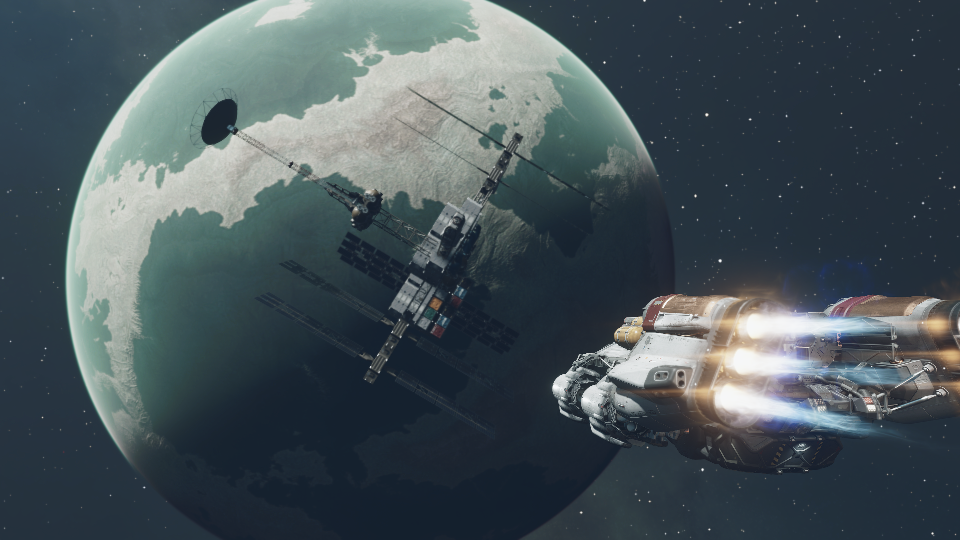
“Silent Shift” is a single-player level designed as a standalone quest for Starfield, set aboard a space station orbiting Neptune. The level emphasizes environmental storytelling and investigation, offering a narrative-driven experience centered on a mysterious murder.
Players take on the role of a Constellation investigator, uncovering the truth behind the sudden death of a chief scientist, Roo. By exploring nonlinear pathways, interviewing suspects, and examining evidence, players gradually reconstruct the timeline of events and identify the killer.
Meanwhile, a gravity-switching mechanic deepens spatial exploration and puzzle solving.
< Silent Shift >
Tool: Starfield Creation Kit
Development Time: 8 weeks
Average Playtime: 20 minutes
My Role: Level Designer (Layout, Quest, Combat, Narrative), Programmer, Artist
< Level Design Overview >
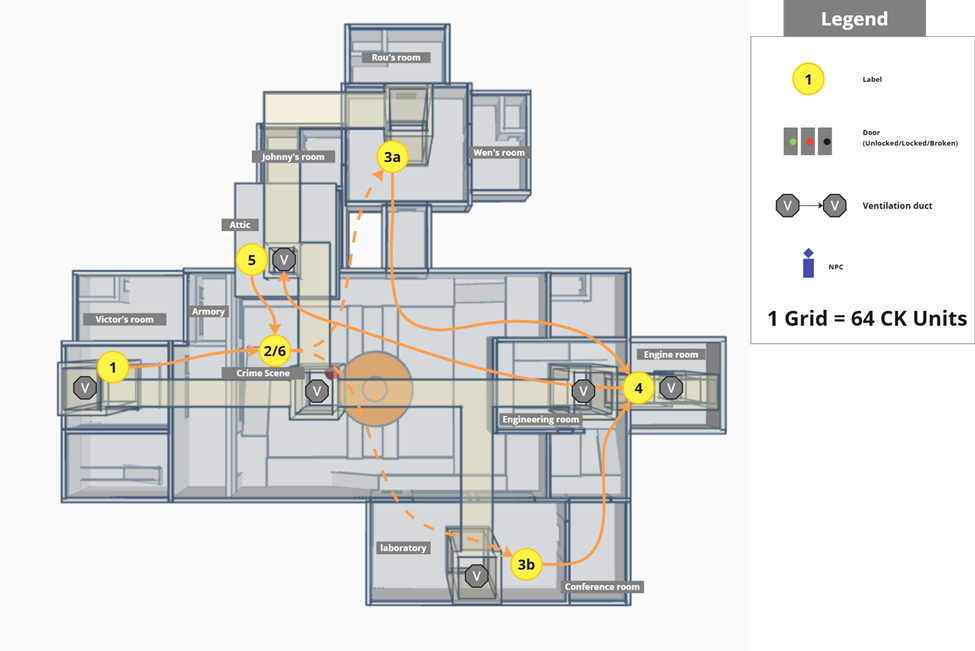
Non‑Linear Exploration Path
Silent Shift allows players to navigate eight interconnected zones freely. Key evidence can be discovered in any order, supporting multiple investigative paths.
Level Design Document
Level Development Flow
- Level Design Document
- Whitebox
- Initial Gameplay
- Gameplay Complete
- Aesthetic
- Launch
< Level Features >
Zero‑Gravity Environment
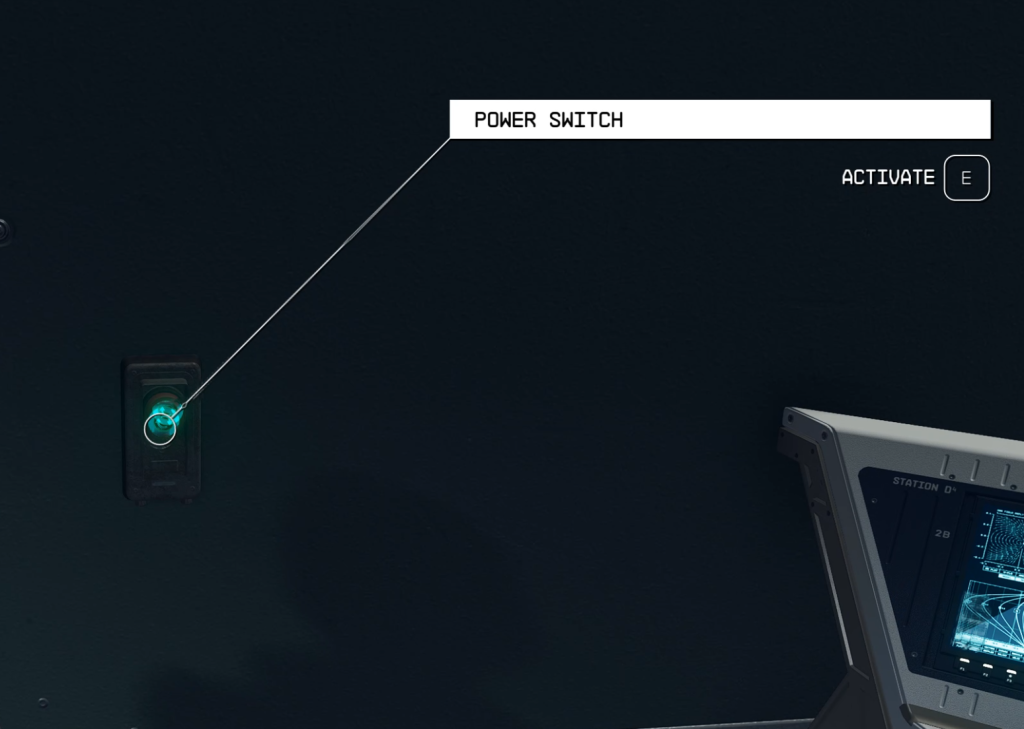
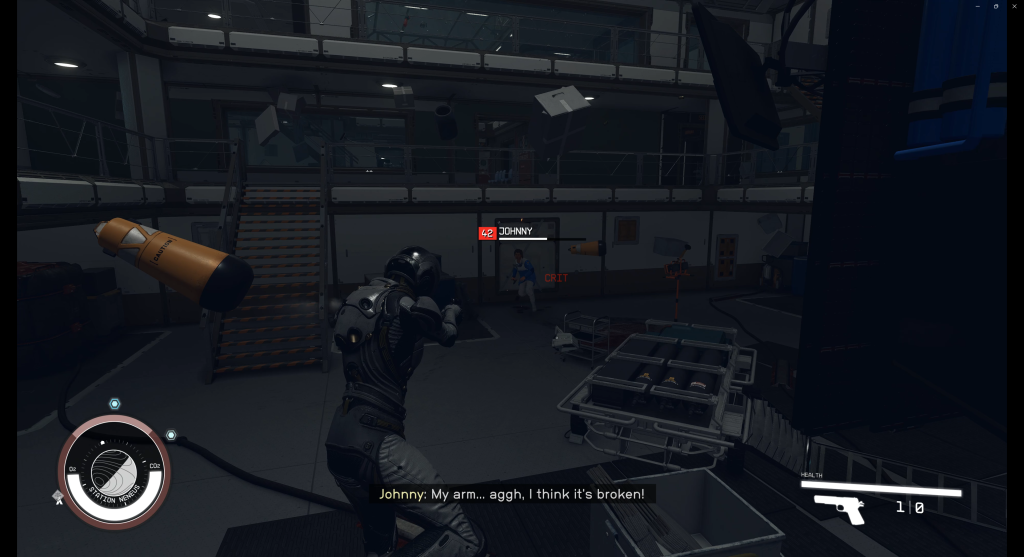
As a space-themed game, one of Starfield’s unique features is the manipulation of gravity. Using Papyrus scripts, I implemented runtime gravity switching. This mechanic became a core design pillar, supporting conveyance, puzzle construction, and combat variation.
By activating gravity switches, the player toggles between normal gravity and zero-G mode. In zero-G, players can traverse narrow ventilation shafts and access catwalks unreachable on foot.
Script for implementing Gravity Switch
Scriptname Scriptname aC34LR:aC34LR_GravitySwift_Button extends ObjectReference

Cell Property targetCell Auto
ObjectReference Property LightEnableMarker Auto Const
WwiseEvent Property WwiseEvent_Gravity_Power_Lights_Off Auto Const
WwiseEvent Property WwiseEvent_Gravity_Power_Lights_On Auto Const
ObjectReference[] Property TargetComputer Auto Const
ObjectReference[] Property ReplaceComputer Auto Const
ObjectReference Property EnableMarker Auto Const
ObjectReference Property DoorToLock Auto Const

Event OnActivate(ObjectReference akActionRef)
    ObjectReference PlayerRef = Game.GetPlayer()
    Float myGravity = PlayerRef.GetGravityScale()
    if myGravity != 0
        DisableGravitySequence()
    else
        EnableGravitySequence()
    endif
EndEvent

Function DisableGravitySequence()
    ; 禁用TargetComputer
    int i = 0
    while (i < TargetComputer.Length)
        if TargetComputer[i] != None
            TargetComputer[i].Disable()
        endif
        i += 1
    endwhile

    ; 启用ReplaceComputer
    i = 0
    while (i < ReplaceComputer.Length)
        if ReplaceComputer[i] != None
            ReplaceComputer[i].Enable()
        endif
        i += 1
    endwhile

    ; 播放关闭电力声音
    WwiseEvent_Gravity_Power_Lights_Off.Play(Game.GetPlayer())

    ; 窗口抖动
    Game.ShakeCamera(afStrength = 0.2)
    Utility.Wait(2.0)
    Game.ShakeCamera()

    ; 灯光闪烁效果
    WwiseEvent_Gravity_Power_Lights_On.Play(Game.GetPlayer())
    LightEnableMarker.Disable()
    Utility.Wait(0.3)
    LightEnableMarker.Enable()
    Utility.Wait(0.3)
    LightEnableMarker.Disable()

    ; 实际设置重力
    targetCell.setGravityScale(0.0)
EndFunction

Function EnableGravitySequence()
    ; 启用TargetComputer
    int i = 0
    while (i < TargetComputer.Length)
        if TargetComputer[i] != None
            TargetComputer[i].Enable()
        endif
        i += 1
    endwhile

    ; 禁用ReplaceComputer
    i = 0
    while (i < ReplaceComputer.Length)
        if ReplaceComputer[i] != None
            ReplaceComputer[i].Disable()
        endif
        i += 1
    endwhile

    ; 播放恢复电力声音
    WwiseEvent_Gravity_Power_Lights_On.Play(Game.GetPlayer())
    Game.ShakeCamera(afStrength = 0.2)
    Utility.Wait(2.0)
    Game.ShakeCamera()

    ; 灯光闪烁效果
    WwiseEvent_Gravity_Power_Lights_Off.Play(Game.GetPlayer())
    LightEnableMarker.Enable()
    Utility.Wait(0.3)
    LightEnableMarker.Disable()
    Utility.Wait(0.3)
    LightEnableMarker.Enable()

    ; 实际开启重力
    targetCell.setGravityScale(1.0)
EndFunction
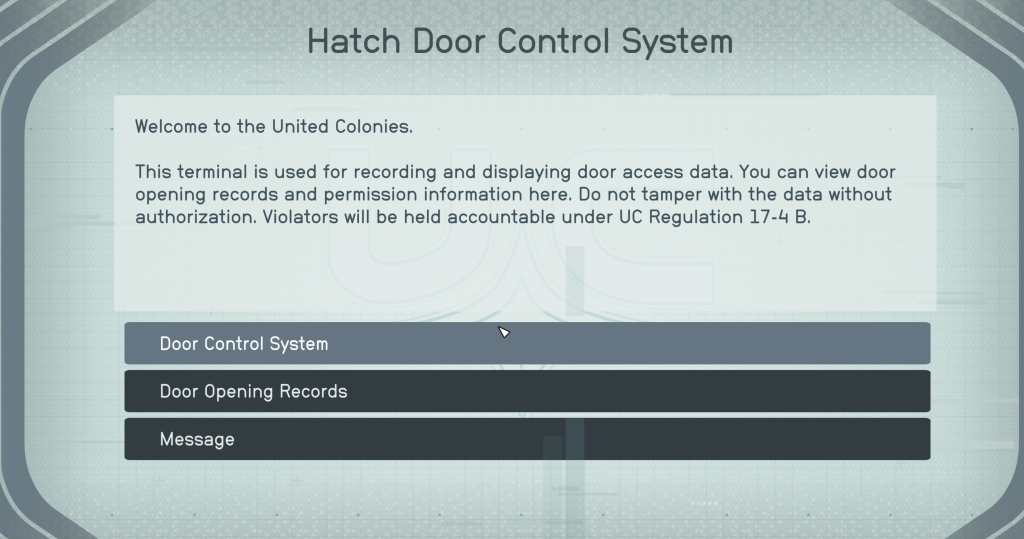
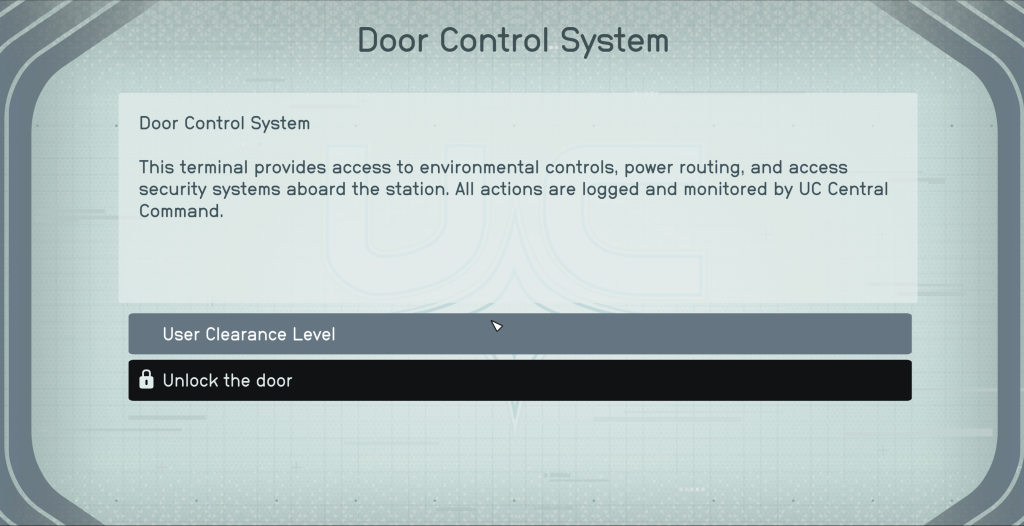
Multi‑Function Terminals
I designed custom terminals aligned with the narrative, including bespoke text and sub-menus.
These terminals include permission-locked sub-menus (key cards), adding an exploration layer.
Environmental Storytelling
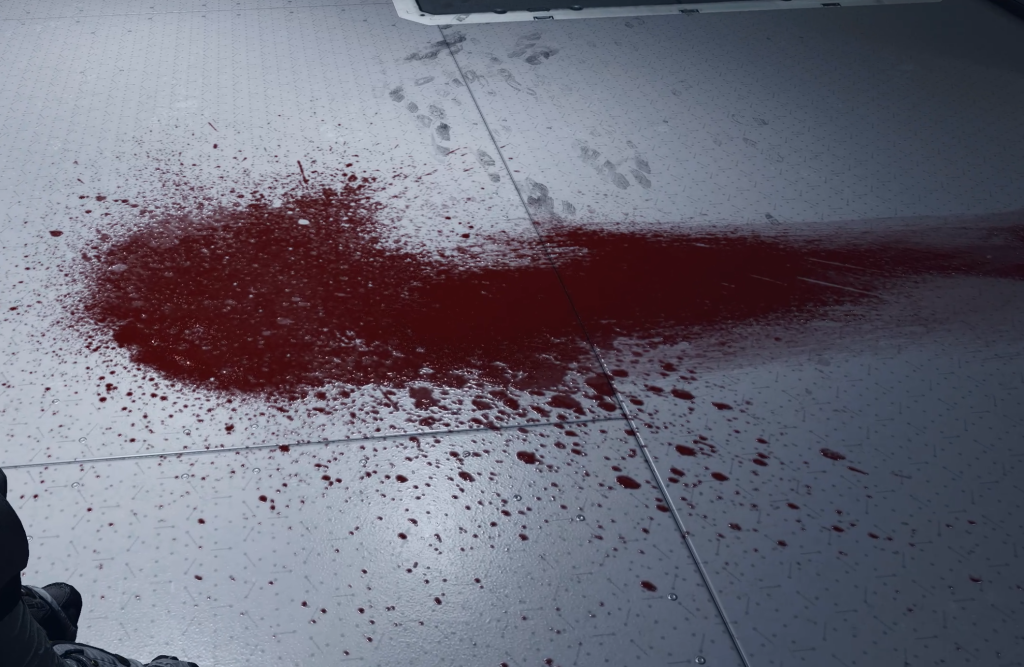
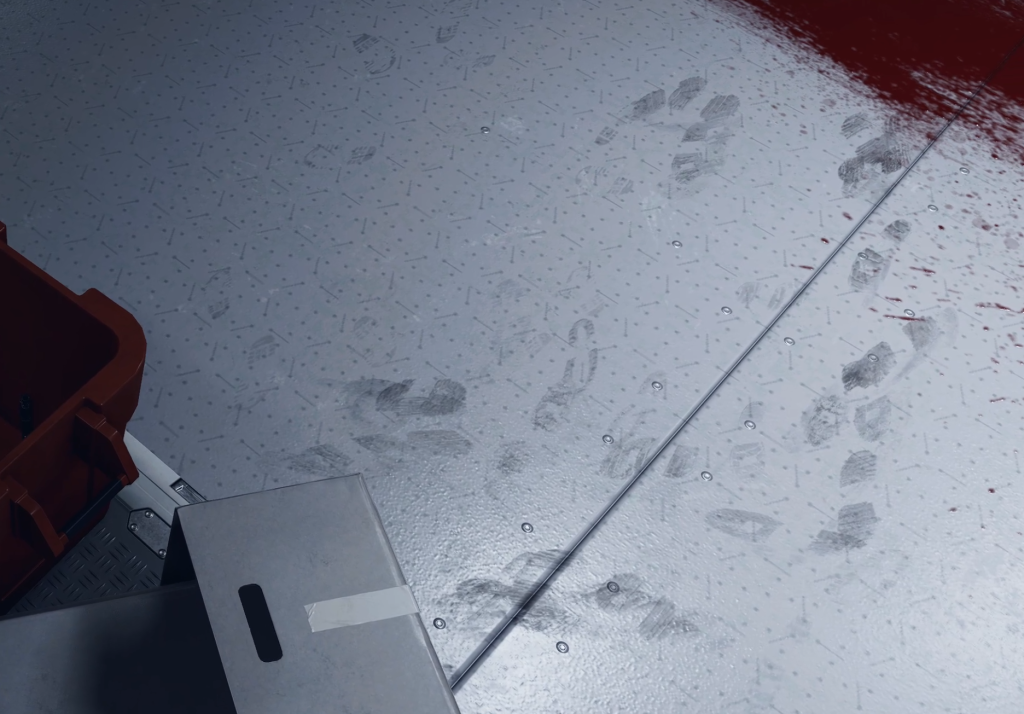
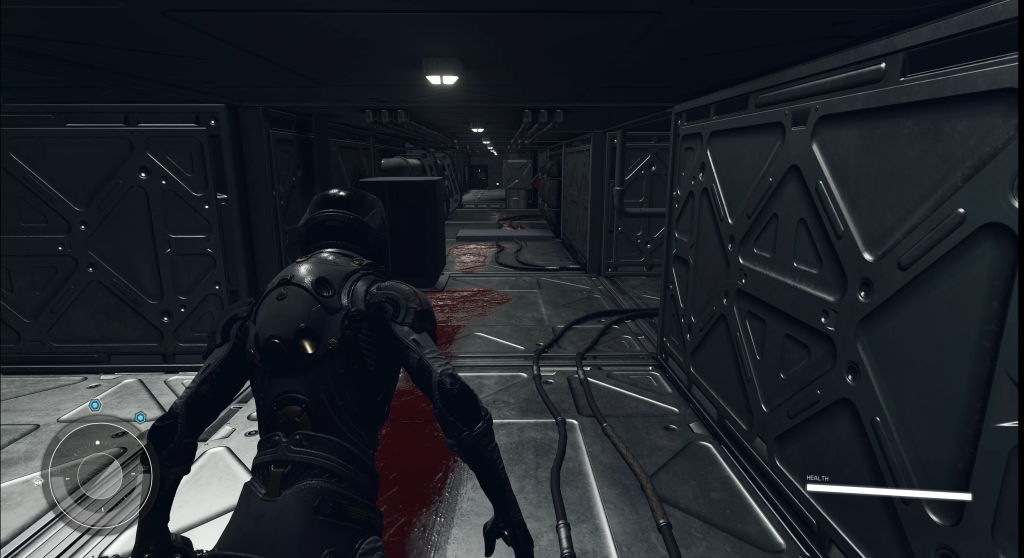
Silent Shift replaces exposition dumps with visual clues: blood stains on the ceiling, staggered footprints stopping at the entrance of an air vent, and flickering corridor lights that frame the path forward.
Props, decals, and lighting cues silently guide the player toward the moments leading up to the crime.